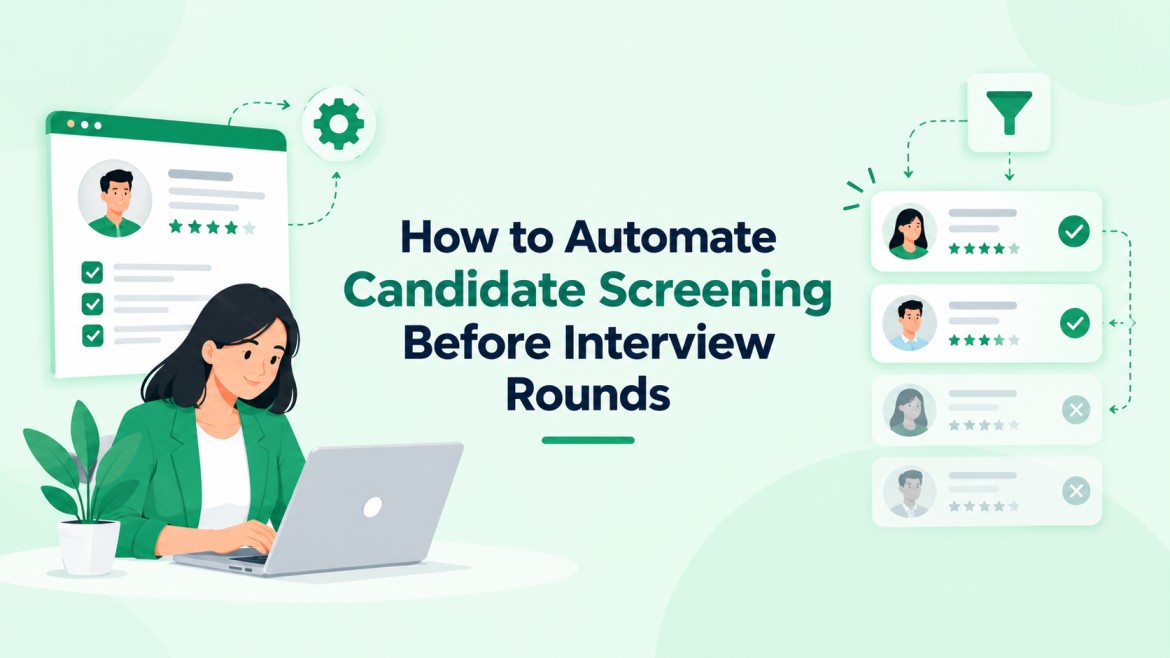
How to Automate Candidate Screening Before Interview Rounds
Automate candidate screening to reduce manual resume reviews, identify qualified applicants faster, and help recruiters manage high application volumes.
With defined screening rules, AI resume parsing, and candidate scoring, hiring teams can shortlist suitable candidates while keeping people involved in final decisions.
SHRM’s State of AI in HR 2026 report found recruiting is the most common HR function using AI, and SHRM’s 2025 research shows resume screening is one of the top AI uses within recruiting, applied by 44% of organizations that use AI for recruiting.
This guide explains six practical steps to automate screening, reduce repetitive work, and improve hiring efficiency.
Hirium helps teams streamline resume screening, candidate shortlisting, and first-round interviews through its AI-powered recruitment platform.
What Is Automated Candidate Screening?
Automated candidate screening is the use of rules, parsing software, and AI scoring to review applications against defined job criteria before a recruiter or hiring manager reads them.
It removes clear mismatches, ranks remaining applicants, and passes a shortlist to the interview stage with scores and reasons attached.
Why Manual Screening Breaks Down
Screening is the first stage where pipelines stall, and the delay grows with every added application. Twenty hours of review is roughly 3 days at 6 productive hours per day, and strong candidates often accept other offers in that window.
Three problems repeat in high-volume hiring:
- Inconsistency: reviewers apply criteria differently later in a long session, so the same resume can score differently on different days.
- Delay: applications sit in an inbox until someone has a free block, which pushes the process further from a quick decision.
- Fragmented records: applications arrive from job boards, email, and referrals, then land in separate sheets, so duplicates and lost candidates follow.
The fix is not faster reading. It is a defined process for how to automate candidate screening: criteria first, rules second, scoring third, human review last.
6 steps: How to Automate Candidate Screening
The sequence below suits one recruiter or a team of ten. Each step in how to automate candidate screening produces one output, which keeps the candidate screening workflow easy to audit.
- Define screening criteria. List 3 to 5 must-haves (location, work authorization, one core skill, minimum experience) and 3 to 5 nice-to-haves. Everything else is noise for this stage.
- Add knockout questions. Convert each must-have into a yes/no or multiple-choice question on the application form.
- Parse every resume into structured fields. Job titles, skills, dates, and education land in a searchable candidate database in one consistent format.
- Score against a weighted scorecard. For example: core skill 40%, relevant experience 30%, nice-to-haves 20%, location fit 10%. Candidate scoring then ranks everyone who passed the knockouts.
- Set score bands. Shortlist the top band, send the middle band to manual review, and hold the bottom band with a status email instead of a silent rejection.
- Trigger the next action automatically. That means an interview invite, a scheduling link, or an AI-led screening call.
Choosing Between Rules and AI Scoring
Rules handle yes/no facts, and scoring handles judgment.
Modern AI resume screening software compares a resume with the job description in context, so a candidate who writes “led a 6-person support team” can match a “team lead” requirement without the exact phrase. Keyword filters miss that match.
Use rules for binary facts and AI shortlisting for ranking everyone who passes. Do not let an AI score reject a candidate without a human check.
How to Screen Candidates Automatically Without Losing Good Applicants
Score bands protect against over-filtering. An example split: 75 and above is shortlisted, 50 to 74 goes to manual review, and below 50 is held with a status email.
Check 20 resumes from each band weekly during the first month, and adjust weights if strong candidates sit in the wrong band.
Single-system setups keep data from moving between tools, and applicant tracking system screening is simplest when parsing, scoring, status emails, and scheduling run together.
Hirium, for example, combines AI resume parsing, shortlisting, and an AI interviewer for first-round screening, with a forever-free plan.
Compliance Checks Before Going Live
The EU AI Act classifies AI used in recruitment and candidate evaluation as high-risk, and New York City requires bias audits for automated employment decision tools. Test for bias in screening by comparing pass rates across the groups your local law protects.
Keep a human reviewer on every rejection that rests on a score. Record the criteria and weights used, and store only the applicant data the role needs.
Worked Examples: Hours Saved Before the First Interview
These examples use stated assumptions, not client data, so every number can be recomputed with your own volumes.
One role, 400 applications. Assume knockout questions remove 40% (160 applications). A recruiter reviews the top 60 of the remaining 240 at 4 minutes each, which is 4 hours instead of 20. The other 180 are held with a status email. The shortlist is ready in under 1 working day instead of 3.
Five open roles, same volume. Manual review takes 100 hours per hiring cycle, and the automated flow takes 20. The 80 hours returned go to interviews and candidate calls, which supports a shorter time-to-hire.
That arithmetic is the practical case for learning how to automate candidate screening: savings scale with volume, while setup effort is paid once per role template. The 40% knockout rate depends on how strict your must-haves are.
Choosing the Right Screening Method for Each Stage
Methods differ in speed and risk. A plan for how to automate candidate screening works best when each stage gets one method.
| Method | Best for | Main risk | Human check |
| Knockout questions | Binary facts like work authorization | Over-strict rules reject good fits | Review rule list monthly |
| Keyword filters | Rare, exact skills or licenses | Misses synonyms | Sample rejected applications |
| AI resume scoring | Ranking large pools | Opaque scores | Review the middle band |
| AI-led screening call | Same questions for every candidate | Weak candidate instructions | Recruiter reads transcripts |
Pick the lightest method that handles the requirement. Add AI conversation before the first-round interview only after resume screening is stable.
What Most Teams Get Wrong
Four patterns undermine screening automation. They appear when teams copy a setup for how to automate candidate screening without adapting it to the role.
Automating before defining. A vague scorecard produces vague rankings faster. If two recruiters cannot score the same resume within 10 points of each other, fix the criteria before switching anything on.
Treating knockouts as permanent. A rule written for one role gets copied to the next. A “degree required” rule quietly removes self-taught candidates the new role may want.
Skipping rejected-candidate audits. Teams review who got shortlisted and never who got filtered out. Sampling 5% of rejected applications each week is the fastest way to find a rule that is too strict.
Keyword matching also fails against AI-written resumes, where keyword density says little about skill.
Pair scores with a short skills question, and review candidate fraud signals for roles that attract fake profiles.
Candidates who hear nothing also have no reason to reapply or refer others, so send automated status updates for every band.
FAQs
1. How does AI screen candidates?
AI parses each resume into structured fields, compares skills, experience, and job titles with the job criteria, and returns a score with the matching reasons. Better systems show which requirements were met. A recruiter then reviews the shortlist and the borderline band, so the score guides the decision instead of making it.
2. How long does candidate screening take?
A reviewer spending 2 to 4 minutes per resume needs 13 to 27 hours for 400 applications. Automated parsing and scoring process the same pool in minutes, leaving a few hours for human review of the shortlist, about 4 hours in the worked example above. Real numbers depend on role complexity and knockout strictness.
3. How can I screen 500 resumes quickly?
Add knockout questions to the application form, parse resumes into structured fields, and score them against a weighted scorecard. Review only the top band and a sample of the middle band. Manual review at 4 minutes each takes about 33 hours; reviewing a top band of 75 takes 5 hours.
4. Can automated screening create hiring bias?
Yes, if criteria include proxies like school name or employment gaps. Reduce the risk by scoring only job-related skills, keeping a human on every rejection, and comparing pass rates across groups regularly. Several jurisdictions now require audits for automated hiring tools, so check local rules before launch.
5. How do I automate screening without losing good candidates?
Keep must-haves to 3 to 5 items, route mid-scoring applicants to manual review instead of rejection, and sample 5% of filtered applications each week. Add a short skills question for candidates whose resumes miss the keywords but whose experience looks relevant.
6. Can I test an automated screening setup before committing to a tool?
Yes. Run one live role through the six steps on a free plan, then compare the shortlist with a recruiter’s manual picks from the same pool. If overlap is high and review hours drop, extend it to other roles. For a second opinion on your criteria first, book a walkthrough.
Pressure-Test Your Screening Setup
If you are checking your screening criteria before switching on automation, Hirium offers a forever-free plan with no credit card required, plus free supported migration from other ATS tools.
Teams working out how to automate candidate screening can set up knockout questions, parsing, and scoring for one role in a single account and compare the results with manual review.