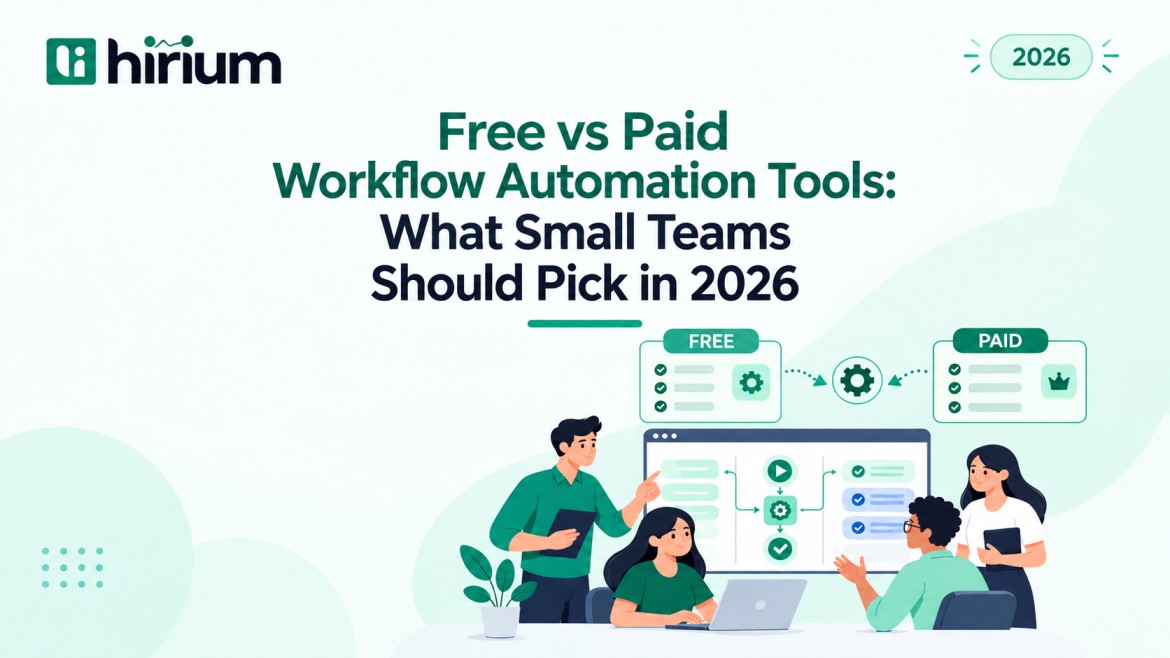
Free vs Paid Workflow Automation Tools: What Small Teams Should Pick in 2026
Small teams rarely lose time on big projects. They lose it on small, repeated jobs: copying data between apps, sending the same follow-up email and chasing approvals.
Most teams know automation can fix this. The hard part is using it properly. The Goldman Sachs 10,000 Small Businesses Voices survey (March 2026) found that 76% of small businesses now use AI, but only 14% say it is fully built into their core operations. Most small teams sit in that gap today.
A big reason for the gap is the very first decision: free vs paid workflow automation tools. If you pick a free plan that breaks at the wrong moment, your team slides back to manual work. If you pay too early, you burn budget on features nobody uses.
This guide compares free vs paid workflow automation tools in plain words. It covers what each option really gives you, the costs nobody mentions and a simple way to decide.
What Are Workflow Automation Tools?
Workflow automation tools are software that runs a repeated process for you using simple rules. Every automation has three parts:
- Trigger: The event that starts the workflow, like a new form entry, email or job application.
- Action: The task the tool does next, like creating a record, sending a message or moving a file.
- Condition: An optional rule that decides which path to take, like “only if the deal is above a set value.”
A workflow automation platform connects your everyday apps, such as email, calendar, sheets, CRM and hiring software, so data moves between them without copy-paste.
Where AI Workflow Automation Fits
AI workflow automation adds a thinking step to the chain. Instead of only moving data, the tool can read a document, sort an email, summarise notes or score a resume.
- Rule-based automation follows fixed “if this, then that” steps.
- AI steps handle messy inputs, such as free-text emails or CVs in different formats.
- Most free plans limit AI steps or leave them out. This is one of the clearest dividing lines between free vs paid workflow automation tools.
What Free Workflow Automation Tools Actually Give You
Free plans are genuinely useful and often the right first step. But every free plan has walls, so know where they are before you build on one.
What You Get on a Free Plan
- Zero upfront cost: You can test automation without asking for a budget.
- Simple two-step workflows: One trigger and one action, such as “new form entry → add a row to a sheet.”
- Popular app connections: Common tools like Gmail, Google Sheets and Slack are usually covered.
- Easy builders: Drag-and-drop setup that non-technical people can handle.
Where Free Plans Usually Stop
- Run limits: There is a monthly cap on how often workflows can run. One busy workflow can use it up in days.
- Seat limits: Plans often allow one or two users. The moment a third teammate needs access, you pay.
- Slower checks: Some free plans look for new data every few minutes instead of instantly.
- Short history: Past run logs disappear quickly, so fixing a broken workflow becomes guesswork.
- Community-only support: Help means forums and docs, not a person.
- Locked premium apps: Many CRM for workflow automation connections sit behind the paywall.
What Paid Workflow Automation Tools Unlock
This is where the gap in free vs paid workflow automation tools shows most clearly. Paid plans suit workflows your business runs on every day, and the upgrade is mostly about reliability.
- Multi-step workflows: One trigger can start ten actions across five apps.
- Branching logic and filters: You get different paths for different cases, like routing leads by region.
- Higher or unlimited runs: Your volume can grow without hitting a wall mid-month.
- Instant triggers: Actions start the second something happens.
- Team features: Shared folders, roles and permissions mean work does not live in one person’s account.
- Error alerts and retries: The tool tells you when something fails instead of failing silently.
- Built-in AI steps: Summaries, sorting and data extraction happen inside the workflow.
- Security options: Audit logs and access control matter when you handle personal data like candidate records.
Free vs Paid Workflow Automation Tools: Side-by-Side Comparison
Here is a quick look at free vs paid workflow automation tools across the factors that matter most to small teams.
| Factor | Free Workflow Automation Tools | Paid Workflow Automation Tools |
| Upfront cost | Nothing | Monthly or yearly subscription |
| Workflow complexity | Mostly simple two-step flows | Multi-step flows with branching logic |
| Monthly runs | Low, fixed cap | High or unlimited |
| Trigger speed | Often delayed checks | Instant, real-time triggers |
| Users | One or two seats | Full team with roles and permissions |
| App integrations | Popular apps only | Premium apps, CRMs and APIs |
| AI workflow automation | Limited or missing | Built-in AI steps |
| Error handling | Basic or none | Alerts, retries and detailed logs |
| Run history | Short retention | Longer retention for audits and fixes |
| Support | Forums and help docs | Email, chat or dedicated support |
| Best for | Testing ideas, low-volume tasks | Core, daily business processes |
The Hidden Costs Nobody Talks About
The price tag is only one part of the free vs paid workflow automation tools choice. The real cost often hides elsewhere.
- Workaround time: When a free plan cannot do something, someone builds a messy fix. Those hours add up.
- Silent failures: A workflow that stops without warning can mean missed leads, lost applications or unpaid invoices.
- Tool sprawl: Three free tools stitched together are harder to manage than one tool that fits.
- Switching costs: Moving to another platform later means rebuilding and retesting every workflow.
- Per-seat traps: Some paid plans charge per user, so costs jump as you grow. Our breakdown of ATS pricing and what you actually pay shows how this plays out in hiring software.
When a Free Plan Is the Right Choice
When you weigh free vs paid workflow automation tools, free is the better pick when:
- You are still testing whether automation helps at all.
- You have fewer than five simple workflows.
- A short delay will not hurt anyone.
- Only one or two people manage the workflows.
- The process is nice to have, not business-critical.
How to Choose Between Free vs Paid Workflow Automation Tools
Follow these four steps before paying for anything.
Step 1: List Your Top Five Repeated Tasks
Rank your weekly tasks by time spent and by the damage a mistake would cause. Hiring teams can use this list of recruitment workflow automation tasks as a starting point.
Step 2: Estimate Your Volume
Count the monthly runs for each workflow. When comparing free vs paid workflow automation tools, volume is often the deciding factor.
Step 3: Check What You Already Pay For
Your email suite, CRM or ATS may already include automation. That can settle the free vs paid workflow automation tools question before you spend anything.
Step 4: Test One Real Workflow
Build one workflow on a free tier or trial. Judge how easy it is to fix, not just how easy it is to build. A structured workflow automation software checklist helps you compare options fairly.
Workflow Automation Tools for Small Hiring Teams
Hiring shows why this question needs a practical answer. Even a few open roles bring hundreds of resumes, interview slots, and follow-ups.
A general free tool can push an application from a form into a sheet. It cannot screen that resume, rank candidates or remind the interviewer. That work needs software built for hiring. A purpose-built tool that is free to start is often the smart middle path:
- You get hiring-specific automation without a large bill.
- Candidate data stays in one place, not scattered across free tools.
- You upgrade only when hiring volume grows.
Weighing free vs paid workflow automation tools on a tight budget?
See our guide to lifetime free ATS software, or compare recruiter-focused hiring workflow automation tools.
Our Honest Recommendation for Small Teams
The pattern we see across small teams is clear: the best setup is a mix, not a single choice.
- Start free for simple, low-risk workflows.
- Pay for workflows that touch revenue, customers or candidates, because reliability matters most there.
- Use built-in automation in the tools you already own before adding new ones.
- Review every quarter, since your needs change as the team grows.
Choosing between free vs paid workflow automation tools is not a one-time decision. You revisit it as the business grows.
Frequently Asked Questions
Are free workflow automation tools good enough for small teams?
Yes, for simple, low-volume tasks. Once workflows become business-critical, most teams comparing free vs paid workflow automation tools find paid plans safer.
What is the main difference between free vs paid workflow automation tools?
The main differences are run limits, user seats, workflow complexity, AI features, error handling and support. Paid tools are built for reliability at higher volume.
Is AI workflow automation available on free plans?
Some free plans offer limited AI features, but most advanced AI steps are on paid tiers.
When should a small team upgrade to a paid plan?
Upgrade when you regularly hit run limits or need more users or multi-step logic. You should also upgrade when a failed workflow would affect customers, candidates or revenue.
Can a CRM or ATS replace a separate workflow automation platform?
Often, yes, if most of your work happens inside that one system.
Automate Your Hiring Workflow Free with Hirium
If hiring is where your team loses the most time, the free vs paid workflow automation tools choice does not have to be a compromise. Hirium is an AI-powered applicant tracking system with a Free Forever plan, and no credit card is required. It brings AI resume screening, candidate management, interview management and recruitment workflow automation into one platform.
Book a Free Demo with Hirium and see how much manual hiring work you can remove this month.