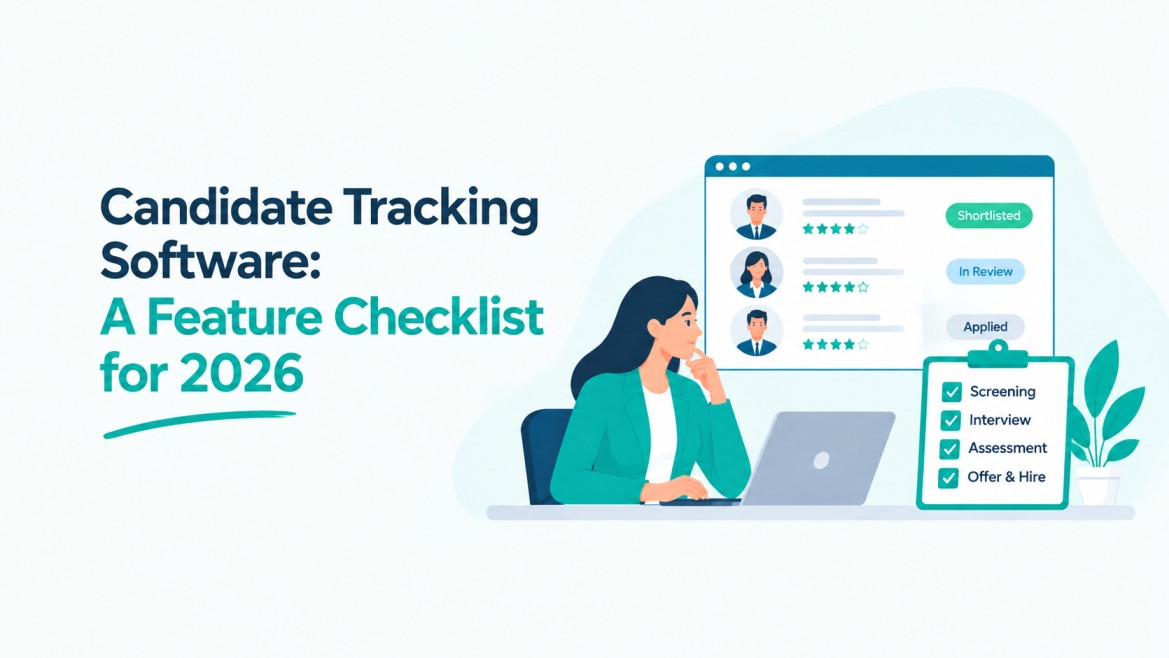
Candidate Tracking Software: A Feature Checklist for 2026
Is your hiring team still juggling spreadsheets and email threads to figure out where each candidate stands?
For most companies, that approach no longer holds up. Nearly 99% of Fortune 500 companies now use ATS platforms on a regular basis, and the shift has moved well past large enterprises into startups, agencies, and mid-sized teams trying to hire faster with fewer resources.
Candidate tracking software has become the backbone of that shift, giving recruiters one place to store resumes, monitor pipeline stages, and act on candidate data instead of chasing it across inboxes.
Choosing the right one in 2026 means looking past a basic contact list dressed up as a hiring tool.
The best platforms now combine automation, AI screening, and reporting built for teams that answer to hiring managers and clients who want real-time visibility, not a black box that resurfaces weeks later with a stack of resumes.
This checklist breaks down the features that separate a genuinely useful candidate tracking system from one that just adds another login to your day.
What Is Candidate Tracking Software?
Candidate tracking software is a recruitment tool built to store, organize, and update candidate information across every stage of hiring, from first application to final offer, in one central system.
How It Differs From a Full ATS
Candidate tracking software often focuses on managing applicant data and pipeline status, while a full ATS adds job posting, interview scheduling, offer letters, and compliance features. Many platforms blend both into a single product now.
Who Actually Needs It (Startups, SMBs, In-House Teams vs Agencies):
Startups and small teams need it to replace spreadsheets and manage growing applicant volume. In-house recruiters use it to coordinate hiring managers. Agencies rely on it to track candidates across multiple clients and roles at once.
Before comparing platforms on price or branding, check whether the basics are solid. These core features form the foundation that everything else- automation, AI, reporting- is built on top of.
Core Features Every Candidate Tracking Software Needs
1. Centralized Candidate Database
A centralized candidate database keeps resumes, contact details, applications, notes, and hiring history in one place. Recruiters can quickly find past applicants without checking spreadsheets or email threads. It also makes candidate information easier to update and share across the hiring team.
Key points:
- Searchable candidate profiles
- Resume and document storage
- Candidate history
- Notes and tags
2. Resume Parsing and Auto-Tagging
Resume parsing removes the need to enter candidate information manually. The software can extract skills, experience, education, and contact details from resumes and organize them into candidate profiles. Auto-tagging can also help recruiters group candidates by skills, roles, experience, or other criteria.
Key points:
- Automatic data extraction
- Skill identification
- Candidate tagging
- Faster profile creation
3. Candidate Pipeline and Status Tracking
A visual candidate pipeline helps recruiters see where every applicant stands in the hiring process. Candidates can move through stages such as application, screening, interview, offer, and hiring. This reduces missed follow-ups and gives hiring managers a clear view of recruitment progress.
Key points:
- Custom hiring stages
- Candidate status updates
- Pipeline visibility
- Easy stage movement
4. Advanced Search and Candidate Filtering
A growing candidate database becomes difficult to manage without effective search tools. Candidate tracking software should let recruiters filter applicants by skills, location, experience, education, availability, and other requirements. This helps teams find suitable candidates quickly instead of reviewing every profile manually.
Key points:
- Skills-based search
- Location filters
- Experience filters
- Custom search criteria
5. AI-Powered Candidate Matching
AI can help recruiters compare candidate profiles with job requirements and identify relevant matches faster. Modern systems can review skills, experience, and other job-related criteria to suggest suitable candidates. Recruiters can then review these recommendations before making their final hiring decisions.
Key points:
- AI candidate matching
- Skill matching
- Candidate recommendations
- Faster shortlisting
6. Automated Candidate Communication
Recruiters often spend hours sending application updates, interview reminders, and follow-up emails. Automation can handle routine messages while keeping candidates informed throughout the hiring process. Templates also help maintain consistent communication without making every message feel like a manual task.
Key points:
- Email templates
- Automated updates
- Interview reminders
- Follow-up messages
7. Interview Scheduling and Feedback
Interview coordination can become difficult when several recruiters and hiring managers are involved. Candidate tracking software can simplify scheduling, send reminders, and keep interview feedback connected to the candidate profile. This gives everyone involved a clear record of interview discussions and evaluations.
Key points:
- Calendar integration
- Interview scheduling
- Reminders
- Interview feedback
8. Recruitment Automation
Recruitment automation helps teams reduce repetitive work throughout the hiring process. Recruiters can automate tasks such as candidate notifications, status updates, follow-ups, and workflow actions. This gives recruiters more time to focus on candidate conversations, interviews, and hiring decisions.
Key points:
- Automated workflows
- Status updates
- Recruiter notifications
- Follow-up automation
9. Hiring Analytics and Reporting
Recruitment data can show where the hiring process is working and where it slows down. Reporting tools can track metrics such as time-to-hire, source of hire, candidate conversion, and pipeline activity. These insights help recruiters make better decisions based on actual hiring data.
Key points:
- Time-to-hire
- Source of hire
- Pipeline reports
- Candidate conversion rates
10. Team Collaboration and Candidate Notes
Hiring usually involves recruiters, managers, interviewers, and other team members. Collaboration features keep candidate notes, feedback, ratings, and internal comments in one place. Everyone can review the same information, which reduces repeated questions and helps teams make hiring decisions with better context.
Key points:
- Shared candidate notes
- Interview feedback
- Internal comments
- Team access
Final Thoughts
Candidate tracking software has moved from a nice-to-have to something hiring teams genuinely depend on. The right platform brings automation, collaboration, AI-driven screening, and reporting together so recruiters spend less time on repetitive tasks and more time talking to good candidates.
If you are building or improving your hiring process in 2026, Hirium offers an AI-powered ATS designed for startups and small teams that need results without extra complexity. From resume parsing to candidate matching and workflow automation, it covers most of the features on this checklist in one platform.
Explore Hirium for free to see how it fits your hiring needs.
Frequently Asked Questions
1. What is the difference between candidate tracking software and an ATS?
Candidate tracking software mainly manages candidate data, resumes, and pipeline stages. A full ATS usually adds job posting, interview scheduling, offer letters, and compliance tools on top of that. Many modern platforms combine both, so the line between the two has become less clear over time.
2. Is candidate tracking software worth it for small businesses?
Yes, especially once a business hires for more than one or two roles at a time. Spreadsheets and email threads get messy fast, and small teams often lose good candidates simply because no one followed up. A basic system pays for itself by cutting down on that kind of lost time.
3. Can candidate tracking software help reduce hiring bias?
It can help, though it depends on the tool. Features like structured scorecards, standardized screening criteria, and bias detection in AI matching support fairer decisions. That said, software alone will not fix a biased process. It works best alongside clear hiring criteria and trained interviewers.
4. Do candidate tracking systems work for recruitment agencies handling multiple clients?
Yes, most platforms built for agencies allow separate candidate pipelines and role-based access by client. This keeps candidate data organized per account, prevents mix-ups between roles, and lets recruiters manage several open positions across different companies without losing track of who applied where.