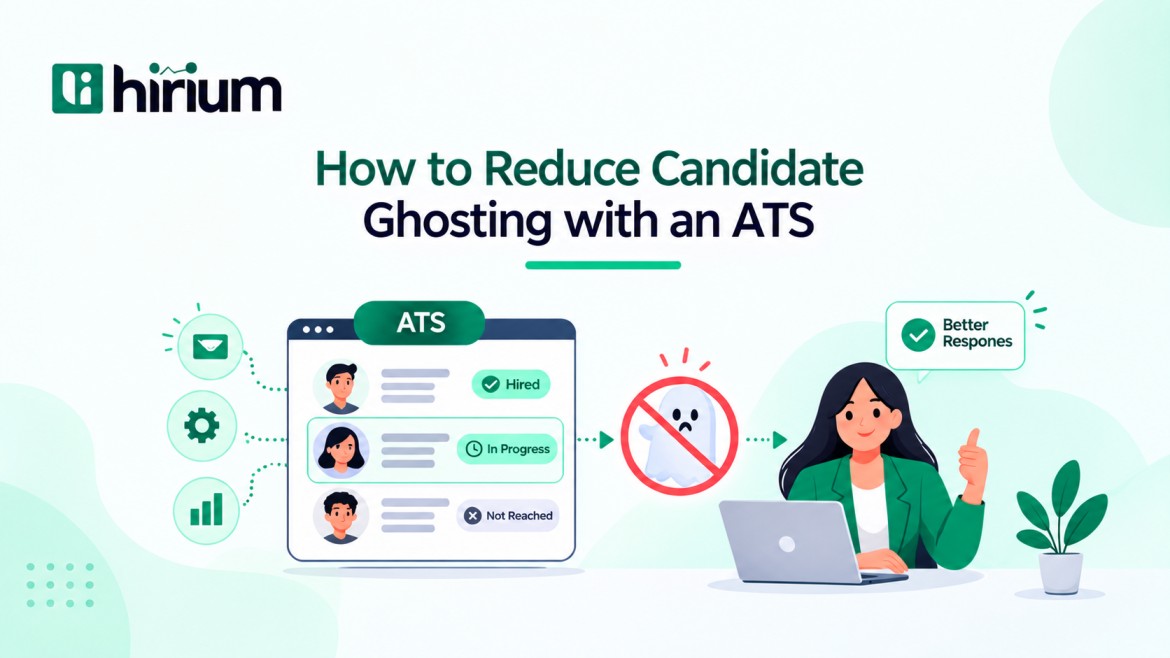
How to Reduce Candidate Ghosting with an ATS
Ghosting is no longer something only employers do. A LiveCareer survey of more than 1,000 U.S. workers found that one in four job seekers has ghosted a potential employer.
If you’re a founder or recruiter watching a strong candidate stop replying after round two, you’ve seen this.
Candidates rarely vanish out of nowhere. They go quiet when the process feels slow, unclear, or disorganized, and that is fixable.
You can reduce candidate ghosting with an ATS by making sure every candidate always knows what happens next, without a recruiter typing each message by hand.
Below: why candidates disappear, six ATS setups that help, how to find the stage where you lose people, and what a small team should set up first.
What does it mean to reduce candidate ghosting with an ATS?
To reduce candidate ghosting with an ATS means using your applicant tracking system (ATS) to remove the silence, delays, and confusion that make candidates disappear.
In practice, that means automated status updates, self-scheduling, post-interview follow-ups, fast offer workflows, and stage-level reporting. Every candidate knows what happens next, and your team can see exactly where people stop responding.
Why do candidates ghost after interviews or offers?
Usually because something on your side went quiet first. The common triggers:
- A long gap between interview rounds
- Scheduling that drags across several email threads
- Pay, location, or role details that were never made clear
- A faster offer from another company
- A bad experience earlier in the process, so the candidate stops caring about being polite
Offer-stage ghosting often follows a delay. The candidate has two weeks of silence, then a rushed offer, and by then they’ve mentally moved on. We break down the full list in our guide to why candidates ghost recruiters.
What do most hiring teams get wrong about candidate ghosting?
Most hiring teams treat candidate ghosting as a candidate-quality problem. It’s usually a process problem.
Silence between stages, slow scheduling, and vague next steps lead candidates to assume they’re out of the running, or to move on to a faster employer. Fix communication gaps and speed first. Whatever ghosting remains after that is much easier to diagnose.
How can an ATS keep candidates from going silent?
Think of your ATS as the thing that makes sure no candidate waits in silence. These six setups do most of the work.
1. Send a status update every time a candidate moves stages
Set an automatic email for each stage change: application received, shortlisted, interview confirmed, decision pending. Candidates mostly want proof that a human process is still running.
Workflow automation handles automated email responses and status updates, so your team isn’t sending these manually.
2. Let candidates book their own interview slots
Scheduling over email is where momentum dies. Connect your ATS to interviewer calendars so candidates pick a slot themselves, then send confirmations and reminders to both sides. Here’s a practical walkthrough to automate interview scheduling.
3. Follow up right after every interview
Post-interview silence is where candidates start assuming the worst. Schedule a “thanks for your time, you’ll hear from us by [date]” message the moment the interview ends. Then give hiring managers a feedback reminder tied to that same date. If you promise Friday, hit Friday.
4. Keep passive and paused candidates warm
If a candidate is interested but the role isn’t ready, don’t leave them in a dead stage. Tag them and send a short check-in every few weeks: a relevant opening, a team update, or a simple “still interested?” Keep it short and keep it specific to their background.
5. Move offers through approval quickly
Offers stall because approvals sit in someone’s inbox. Build an offer workflow with set approvers, so the offer goes out while the candidate is still excited. Check what your ATS supports here, since digital offers and e-signatures vary by platform.
6. Send rejections instead of silence
A clear, polite rejection costs you almost nothing. It protects your employer brand, and candidates are more likely to reapply or refer others. It also stops “no reply” from becoming your standard way of closing a process.
How do I find which stage is losing candidates?
You can’t fix what you can’t see. Most teams guess (“it’s the offer stage”) and guess wrong.
Track a simple number per stage: of the candidates you contacted at that stage, how many stopped responding?
Split it by role and by recruiter. If one recruiter’s candidates go quiet after the phone screen, that’s a follow-up habit. If every role loses people between interview and offer, that’s a process delay.
Hirium hiring analytics help you spot delays and compare hiring progress by week, role, or team. Even without a dashboard, an ATS that logs every message and contact date lets you see who last spoke to a candidate and when.
-
What should a small team set up first?
If you’re a startup or SMB with no dedicated recruiter, don’t try to build everything at once. Start here:
- Turn on an automatic “application received” message.
- Set one automatic update for each stage change.
- Add interview reminders for candidates and interviewers.
- Set a feedback deadline for hiring managers after each interview.
- Review where candidates go quiet once a month, and fix the worst stage first.
FAQs
1. Why do candidates ghost employers?
Mostly because the process felt slow, unclear, or disorganized. Long gaps between rounds, messy scheduling, and vague next steps push candidates toward faster employers. Competing offers and earlier bad experiences also play a part.
2. Can an ATS stop candidate ghosting completely?
No. An ATS won’t stop a candidate who accepts a better offer. It does remove the avoidable causes: silence, delays, and confusion. It also shows you where candidates go quiet so you can fix that stage.
3. Which ATS features reduce candidate ghosting the most?
Automated status updates, interview scheduling with reminders, post-interview follow-ups, offer workflows, and stage-level reporting. Check which of these your ATS supports before you buy.
4. Is it okay to automate rejection emails?
Yes, for clear no-fits. Personalize the message with the candidate’s name and role. Keep a human touch for final-round candidates who deserve direct feedback.
Conclusion
If candidates keep disappearing mid-process, it’s rarely random. It’s usually a gap in communication, timing, or clarity, and those are the gaps you can close when you reduce candidate ghosting with an ATS.
Start with status updates and interview reminders, then use stage-level data to find what’s still slipping.
If you want to try this without a big setup, Hirium’s free ATS lets you run candidate management, interview scheduling, and workflow automation from one pipeline. Set up one automated update today, then see what changes.